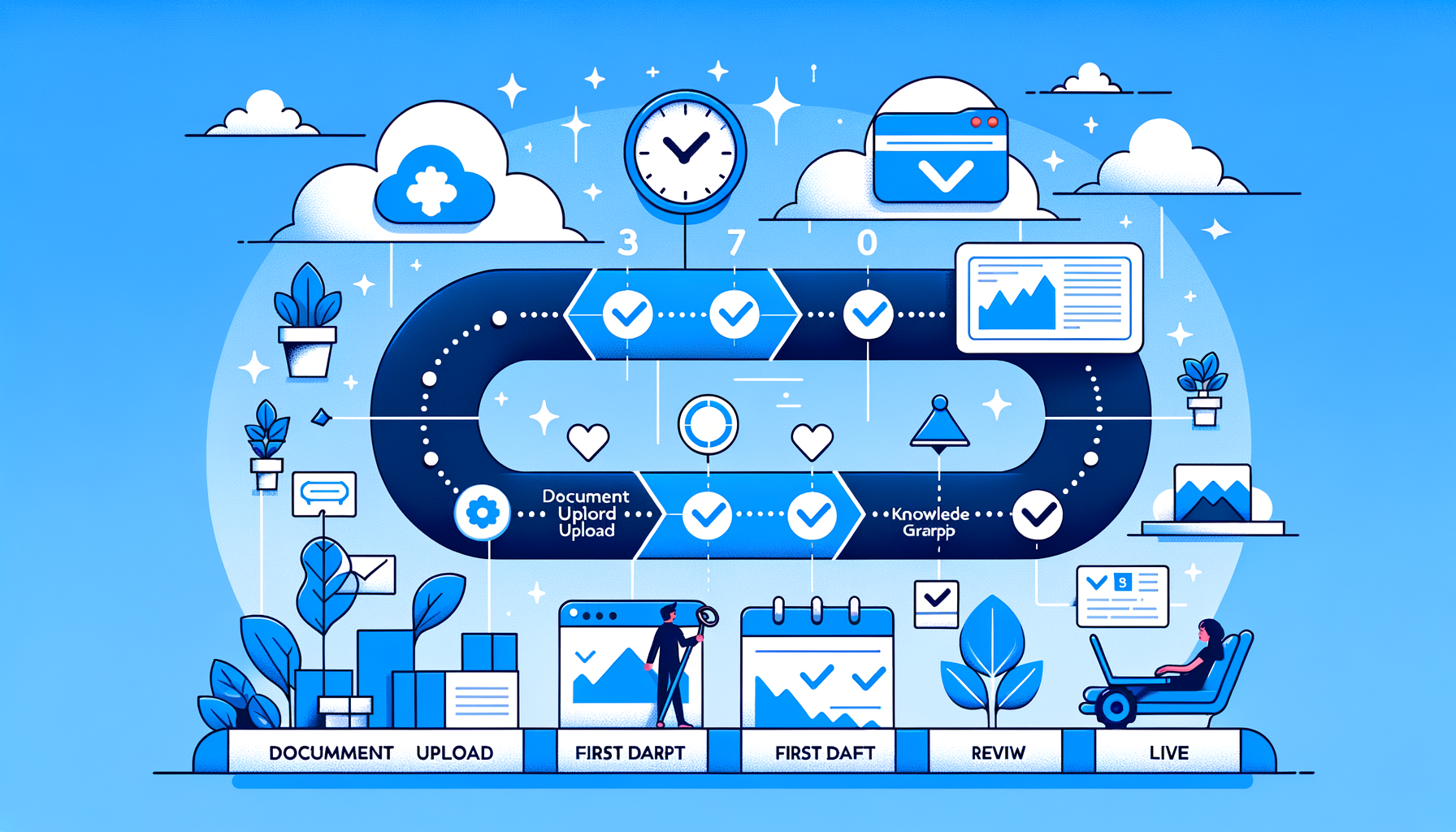
Tribble's standard onboarding takes 2 weeks from contract signing to first completed RFP. There is no lengthy IT project, no months-long content migration, and no dedicated implementation consultant required. Week 1 connects your existing content stack and builds the initial knowledge graph. Week 2 trains your team and runs the first live RFP response. By the end of two weeks, your proposal team is operating independently.
What Makes Tribble's Onboarding Different?
Most enterprise software implementations take months because they require data migration, infrastructure setup, and extensive customization before the product does anything useful. Tribble's implementation is fundamentally different: it connects to the systems you already use and indexes the content you already have.
There is no separate content library to build from scratch. Tribble pulls from Confluence, SharePoint, Google Drive, and other approved sources you designate — so you get a functional knowledge graph in days, not months. The longer you use it, the smarter it gets through outcome learning, but it can generate useful drafts from day one.
Week 1: Setup, Integrations, and Knowledge Graph Seeding
Day 1 — Account Provisioning and Kickoff
Your dedicated Tribble customer success manager provisions your account and holds a kickoff call with your team. On this call you align on: which content sources to index first, which integrations to prioritize, who your power users are (proposal managers, SME reviewers, IT admin), and what your first target RFP will be.
This call takes 60 minutes and produces a concrete onboarding plan with owners and dates for each setup step.
Days 2-3 — Integration Setup
You connect Tribble to your existing tools. For most organizations this means: one cloud storage connector (Google Drive, SharePoint, or Confluence), an SSO provider (Okta, Azure AD, or Google Workspace), and optionally a CRM (Salesforce or HubSpot).
Cloud storage connectors are OAuth-based and take under 4 hours with your proposal team lead. SSO and CRM integrations require 4-8 hours with an IT admin or Salesforce administrator. Tribble's CS team is on call throughout this step with step-by-step configuration guides for each integration. See the full integrations list for details on every supported connector.
Days 3-5 — Knowledge Graph Seeding
Tribble indexes your authorized content sources and builds an initial knowledge graph. For a typical enterprise customer this means: product documentation from Confluence or SharePoint, security policies and compliance documentation, approved prior RFP and security questionnaire responses, and executive summaries or product fact sheets.
The indexing process is automated once access is granted. You don't manually tag or organize content — Tribble's Core knowledge graph structures the information automatically. Initial indexing of a typical enterprise content library completes within 24-48 hours.
Week 2: Training, Configuration, and First Live RFP
Days 6-7 — Team Training
Tribble's CS team runs role-specific training sessions for each user group. Proposal managers learn the ingest, assignment, and output workflow. Sales engineers and technical SMEs learn the review queue and approval interface. IT administrators complete any remaining configuration.
Training sessions are live, interactive, and recorded. They typically run 60-90 minutes per role group. You can complete training asynchronously using the recordings if team schedules are constrained.
Days 8-9 — Workflow Configuration
Your CS manager helps you configure Tribble's routing and review workflows for your organization's structure. This includes: defining question categories and the SME routing rules for each, setting confidence thresholds for automatic vs. reviewed answers, and configuring output templates to match your standard proposal format.
This step typically requires 2-3 hours from the proposal team lead and produces a configured workflow that runs automatically on every future RFP.
Day 10 — First Live RFP Run
Your team runs a real or practice RFP through Tribble end-to-end, supervised by your CS manager. Tribble generates a first draft. Your team reviews the output, approves answers, makes edits where needed, and sends any remaining questions through the SME review queue.
Your CS manager is on the call to answer questions, troubleshoot anything unexpected, and debrief on the accuracy of the first draft. The edits your team makes in this session are captured by the outcome learning engine — improving accuracy for every subsequent RFP.
After this session, your team operates independently. Your CS manager remains your ongoing point of contact for support, new integrations, and quarterly business reviews.
What Does Your Team Need to Provide?
Tribble's onboarding is designed to minimize the lift on your side. Here is what you need to bring:
Content authorization: Admin or owner-level access to your primary content repositories (Google Drive folder, SharePoint library, Confluence space). Used to grant Tribble read access.
IT touchpoint: One IT admin for 4-8 hours for SSO setup. Optional if your organization doesn't require SSO (though it's recommended for enterprise deployments).
Proposal team lead: One business owner who can make decisions about which content to index and how workflows should be configured. Approximately 4-6 hours across the 2-week onboarding.
Team availability for training: Two 60-90 minute training sessions (one for proposal managers, one for technical reviewers).
What If You Have a Live RFP During Onboarding?
If your team has an active RFP with a deadline that falls within the onboarding window, Tribble's CS team runs an accelerated track. Priority content is indexed in 24 hours, and a draft for the in-flight RFP can be generated before the full integration and training setup is complete. The broader onboarding continues in parallel.
This scenario is common — it's why Tribble's onboarding is designed to deliver value in days rather than requiring everything to be perfect before generating the first draft.
Frequently Asked Questions
Tribble's standard onboarding takes 2 weeks from contract signing to first completed RFP. Week 1 covers account setup, integrations, and knowledge graph seeding. Week 2 covers team training, workflow configuration, and the first live RFP response run. For organizations with an urgent active RFP, Tribble can run an accelerated track that delivers a usable draft in 3-5 days.
IT involvement is limited. The main IT touchpoint is SSO/SCIM setup (4-8 hours for an IT admin) and, if applicable, CRM connector configuration. Cloud storage connectors (Google Drive, SharePoint, Confluence) can be authorized by a proposal team lead without IT. Tribble's customer success team provides step-by-step guides for all technical steps.
Tribble's implementation includes a dedicated customer success manager, guided integration setup for your existing tools, automated knowledge graph seeding from your content sources, role-specific team training (proposal managers, sales engineers, SME reviewers), workflow and routing configuration, and a supervised first live RFP response run. All of this is included in the enterprise subscription — there is no separate implementation fee.
If you have an active RFP with a pressing deadline, Tribble's customer success team can run an accelerated track. Priority content is indexed within 24 hours so the platform can generate a draft for the in-flight RFP while the full integration setup continues in parallel. Accelerated onboarding is a standard offering — your CS manager can activate it at kickoff if needed.

First RFP in 2 weeks. Guaranteed.
Tribble's onboarding team has you running in 14 days. No lengthy implementation. No content migration.
Subscribe to the Tribble blog
Get notified about new product features, customer updates, and more.